
The internet feels invisible because it arrives through Wi-Fi, apps, and screens, but underneath it is a physical global system of fiber-optic cables, routers, data centers, radio links, protocols, and computers agreeing how to talk. These 145 internet facts trace the network from ARPANET and TCP/IP to undersea cables, domain names, browsers, memes, streaming, cybersecurity, and the difference between the internet and the Web.
Internet basics
- The internet is a global network made by connecting many smaller computer networks.
- No single company owns the entire internet.
- Internet-connected networks exchange data using agreed technical protocols.
- TCP/IP is the core protocol suite used across the modern internet.
- IP stands for Internet Protocol.
- TCP stands for Transmission Control Protocol.
- Internet Protocol helps move packets toward their destinations across connected networks.
- TCP can provide reliable ordered delivery of data between applications.
- Not every internet application uses TCP.
- UDP is another important transport protocol used when speed or simplicity matters.
- Data traveling online is commonly broken into smaller units called packets.
- Packets from one message can take different paths across a network.
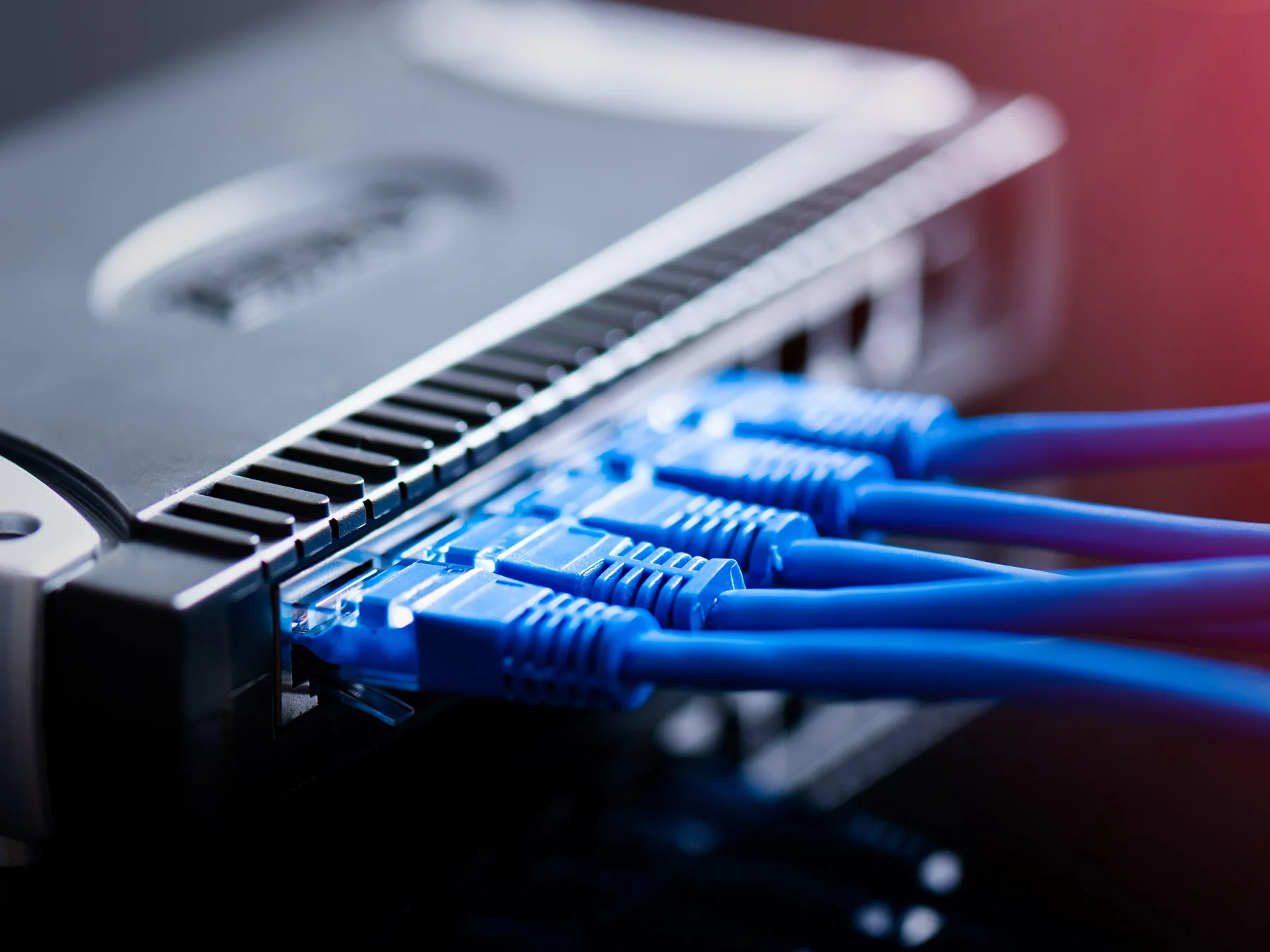
- Routers forward packets between networks.
- Your home Wi-Fi network is only one small local piece of the internet.
- The internet includes servers, routers, cables, switches, satellites, towers, and user devices.

The internet existed before the Web
- People often use “internet” and “World Wide Web” as if they mean the same thing.
- They are different inventions.
- The internet is the underlying network infrastructure connecting computers and networks.
- The Web is one system of linked documents and services that runs over the internet.
- Email also uses the internet but is not the World Wide Web itself.
- Online games can use the internet without being ordinary Web pages.
- File-transfer systems existed before the modern Web.
- ARPANET was an important early packet-switched computer network.
- ARPANET began operating in 1969.
- Its first four nodes were at UCLA, Stanford Research Institute, UC Santa Barbara, and the University of Utah.
- The first ARPANET message was sent from UCLA to Stanford Research Institute.
- The intended message was the word “LOGIN.”
- The system crashed after the first two letters, so “LO” became the first transmitted fragment.
- ARPANET grew by connecting research institutions around the United States.
- The Computer History Museum documents these milestones in its Internet History collection.
How TCP/IP created a network of networks
- Vint Cerf and Bob Kahn were central figures in developing TCP/IP concepts.
- Their work addressed how different kinds of networks could communicate with one another.
- The goal was internetworking, meaning networks could connect without becoming one identical system.
- ARPANET switched to TCP/IP on January 1, 1983.
- That date is often treated as an important milestone in the birth of the modern internet.
- TCP/IP separates communication into layers with different responsibilities.
- This layered design lets network technologies change without rewriting every application.
- Ethernet, Wi-Fi, fiber links, and mobile networks can all carry internet traffic.
- An IP address identifies a network interface for internet communication.
- IPv4 addresses are 32 bits long.
- IPv4 provides roughly 4.3 billion possible numerical addresses before reserved ranges and other constraints.
- That once seemed enormous.
- Internet growth eventually made IPv4 address scarcity a serious engineering problem.
- IPv6 uses 128-bit addresses and provides an astronomically larger address space.
- IPv4 and IPv6 still coexist across today’s internet.
Domain names make addresses human-friendly
- Humans usually prefer names such as example.com instead of remembering numerical IP addresses.
- The Domain Name System, or DNS, translates domain names into network information.
- DNS is often compared with an internet phone book, although the real system is more complex.
- Domain names are arranged hierarchically from right to left.
- In funfacts.co, “.co” is the top-level domain.
- The label “funfacts” is registered beneath that top-level domain.
- Top-level domains include familiar endings such as .com, .org, .net, .edu, and country codes.
- Country-code top-level domains normally contain two letters.
- The United Kingdom uses .uk.
- Canada uses .ca.
- Japan uses .jp.
- DNS relies on distributed servers rather than one giant central lookup computer.
- Root servers help direct DNS queries toward the correct top-level-domain servers.
- Caching lets computers and resolvers remember recent DNS answers temporarily.
- Domain names improved usability enormously because network addresses can change while memorable names remain stable.
The World Wide Web arrives
- Tim Berners-Lee proposed the World Wide Web while working at CERN in 1989.
- His idea linked documents through hypertext across computer networks.
- Berners-Lee created the first Web server around 1990.
- He also created the first Web browser-editor.
- The first website explained the World Wide Web project itself.
- HTML became the standard markup language for structuring Web pages.
- HTTP became the protocol used to request and transfer Web resources.
- URLs provide addresses for Web resources.
- Hyperlinks let users jump directly from one resource to another.
- The early Web contained far fewer images, animations, and interactive elements than modern sites.
- CERN released Web technology into the public domain in 1993.
- That decision helped the Web spread without a licensing fee controlling its basic use.
- The Mosaic browser helped make the Web visually accessible to a broader audience in the early 1990s.
- Netscape Navigator became one of the defining commercial browsers of the mid-1990s.
- The Web grew into only one of many services operating on the larger internet.
The internet is surprisingly physical
- Most international internet traffic travels through physical cables rather than satellites.
- Thousands of kilometers of fiber-optic cable lie beneath oceans.
- Submarine cables connect continents through landing stations near coastlines.
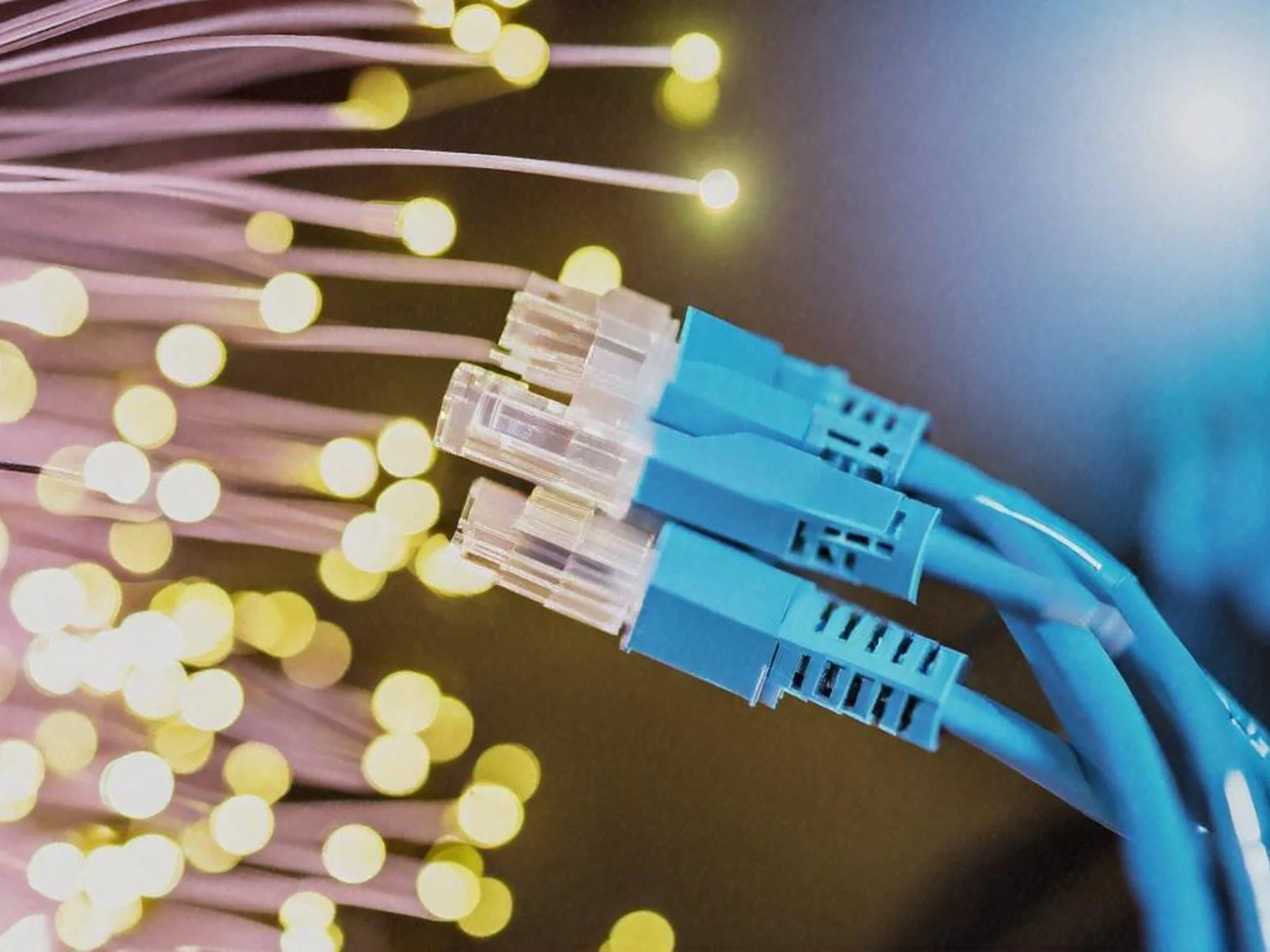
- Fiber-optic cables transmit information using pulses of light.
- Light can carry enormous amounts of data over long distances.
- Repeaters placed along long submarine cables amplify optical signals.
- Modern submarine cables contain protective layers around delicate fiber strands.
- Undersea cables can be damaged by anchors, fishing activity, earthquakes, or landslides.
- Repair ships can retrieve damaged sections from the ocean floor.
- Large data centers contain thousands of servers and networking devices.
- Data centers require electricity not only for computing but also for cooling and power management.
- Internet exchange points allow many networks to connect and exchange traffic directly.
- Content-delivery networks store copies of popular content closer to users.
- That geographic caching can reduce delay and lower long-distance network traffic.
- Your favorite “cloud” service ultimately runs on physical computers somewhere.
Wi-Fi is not the internet
- Wi-Fi is a local wireless networking technology.
- You can have a Wi-Fi connection without having a working internet connection.
- A wireless router can connect devices to one another even when its internet service fails.
- Wi-Fi commonly operates in radio-frequency bands around 2.4, 5, and 6 gigahertz.
- Walls, distance, interference, and building materials affect Wi-Fi performance.
- Lower-frequency Wi-Fi signals generally travel through obstacles better than higher-frequency ones.
- Higher-frequency channels can offer more bandwidth under suitable conditions.
- Bluetooth is a different short-range wireless technology from Wi-Fi.
- Cellular networks provide internet access through mobile radio infrastructure.
- 5G is a family of mobile-network technologies, not a replacement name for the internet.
- Satellite internet sends data through spacecraft orbiting Earth.
- Geostationary satellites orbit far above Earth and can introduce noticeable latency.
- Low-Earth-orbit satellite constellations reduce that distance and can lower latency.
- Latency measures delay rather than raw download capacity.
- A fast connection can still feel sluggish if latency is high.
Search, social media, and online culture
- Search engines crawl Web pages and build indexes to help users find information.
- A search index is not a live copy of the entire internet.
- Search ranking combines many signals to decide which results appear first.
- Early online communities existed before modern social networks.
- Bulletin board systems let computer users exchange messages through dial-up connections.
- Usenet, launched in 1979, hosted distributed discussion groups before the Web existed.
- Internet Relay Chat, or IRC, became an important real-time chat system in the late 1980s.
- Blogs made personal publishing dramatically easier in the late 1990s and early 2000s.
- Wikipedia launched in 2001.
- Social networking sites made personal profiles and relationship graphs central online features.
- Online video grew rapidly as broadband connections became more common.
- Streaming sends media progressively instead of requiring a complete file download first.
- Memes can spread through imitation, remixing, jokes, images, phrases, or video formats.
- The word meme was coined by biologist Richard Dawkins in 1976 before internet memes existed.
- Internet culture continuously mixes technical infrastructure with human language, humor, politics, art, and community.
Security, privacy, and encryption
- The open nature of internet connectivity creates enormous security benefits and risks.
- Encryption transforms readable data so unauthorized parties cannot easily understand it.
- HTTPS adds encrypted transport to ordinary HTTP communication.
- The padlock icon in a browser does not prove a website is trustworthy.
- It mainly shows that the connection between browser and site is encrypted and authenticated to a domain.
- Phishing attacks trick people into revealing passwords, financial details, or other sensitive information.
- Malware is malicious software designed to damage, spy, steal, extort, or gain unauthorized access.
- Ransomware encrypts or blocks access to data and demands payment.
- Multi-factor authentication adds another verification step beyond a password.
- Unique passwords reduce damage when one website suffers a credential leak.
- Software updates frequently patch security vulnerabilities.
- Public Wi-Fi can expose users to additional risks when security is poorly configured.
- Virtual private networks create encrypted tunnels between a device and another network endpoint.
- A VPN does not make a person anonymous from every company or observer.
- Cybersecurity works best as layers of technical controls, good defaults, and careful human behavior.
Ten surprising internet facts
- The first ARPANET message crashed after only two letters, leaving history with “LO.”
- The Web appeared about two decades after ARPANET began.
- Most traffic crossing oceans travels through cables rather than communication satellites.
- “The cloud” is still made of physical servers, storage devices, cables, and buildings.
- Your Wi-Fi can work perfectly while your internet connection is completely down.
- An ordinary website name depends on a worldwide hierarchy of DNS servers.
- IPv6 has vastly more possible addresses than humanity could realistically assign to individual devices.
- Internet packets from the same conversation do not have to follow identical routes.
- The word meme predates the public Web by more than a decade.
- For more digital history, explore our computer facts and Tech facts.

Quick internet FAQ
Who invented the internet?
No single person invented it. The internet emerged from decades of work by many researchers and institutions, including ARPANET and the development of TCP/IP by teams led by figures such as Vint Cerf and Bob Kahn.
Is the internet the same as the World Wide Web?
No. The internet is the underlying global network of networks. The Web is one linked-information system that operates over that network.
Where does internet data travel?
Through combinations of fiber-optic cables, local wires, radio links, cellular systems, routers, data centers, undersea cables, and sometimes satellites.
What does DNS do?
The Domain Name System translates human-friendly names such as funfacts.co into technical information computers use to find the correct servers.
Can Wi-Fi work without the internet?
Yes. Wi-Fi creates a local wireless network. Devices can communicate locally even if the router has lost its connection to the wider internet.

Ellie is the owner and sole author of Fun Facts, combining her mechanical engineering background with years of research-driven writing to deliver facts you can trust. Every article is thoroughly fact-checked and routinely updated as new science and sources emerge to keep information accurate and current. Her mission is to make learning delightful while upholding high standards of reliability and transparency.